
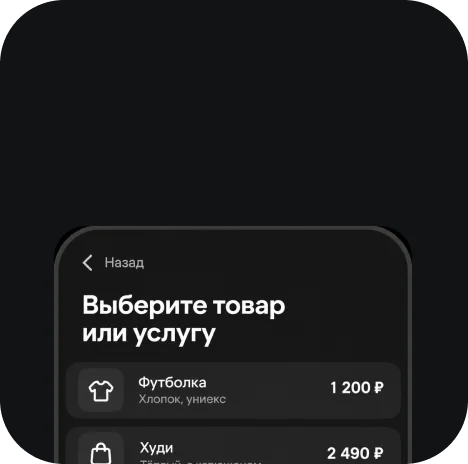
Client chooses a product or service
Accept payments online without a website

Payment is built into the chat with your client
Client chooses a product or service

Business creates a payment and link

User follows the linkUser proceeds to payment

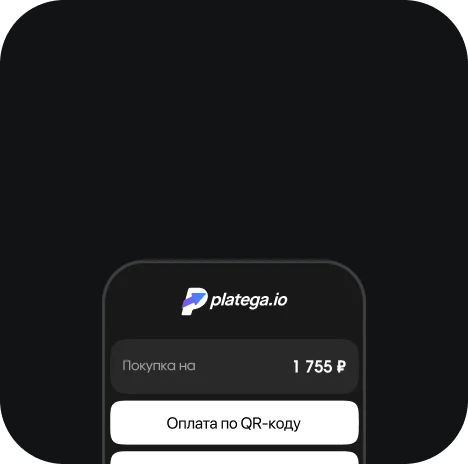
Chooses a method and pays

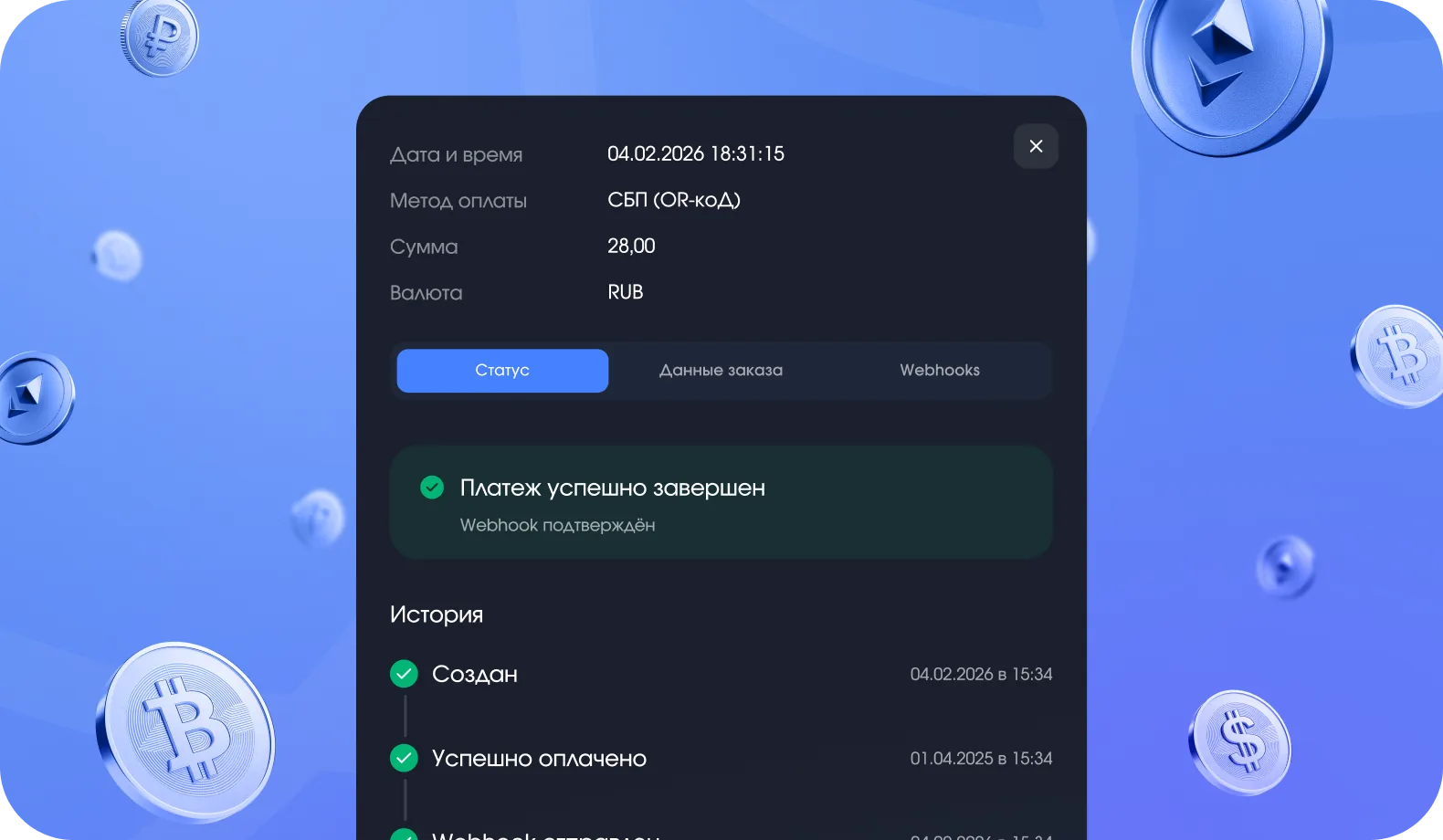
Business receives confirmation
3 ways to integrate payment acceptance

Full automation of the payment process

No code integration or developmentManual sales without code integration

Partial automation and quick setup
The platega service includes a full set of tools to grow your business:

 Card
fee
 SBP fee
 Crypto
fee
 Setup
 Monthly feeSettlement
 Integration
 The rate decreases as turnover grows. Check the terms with your manager.
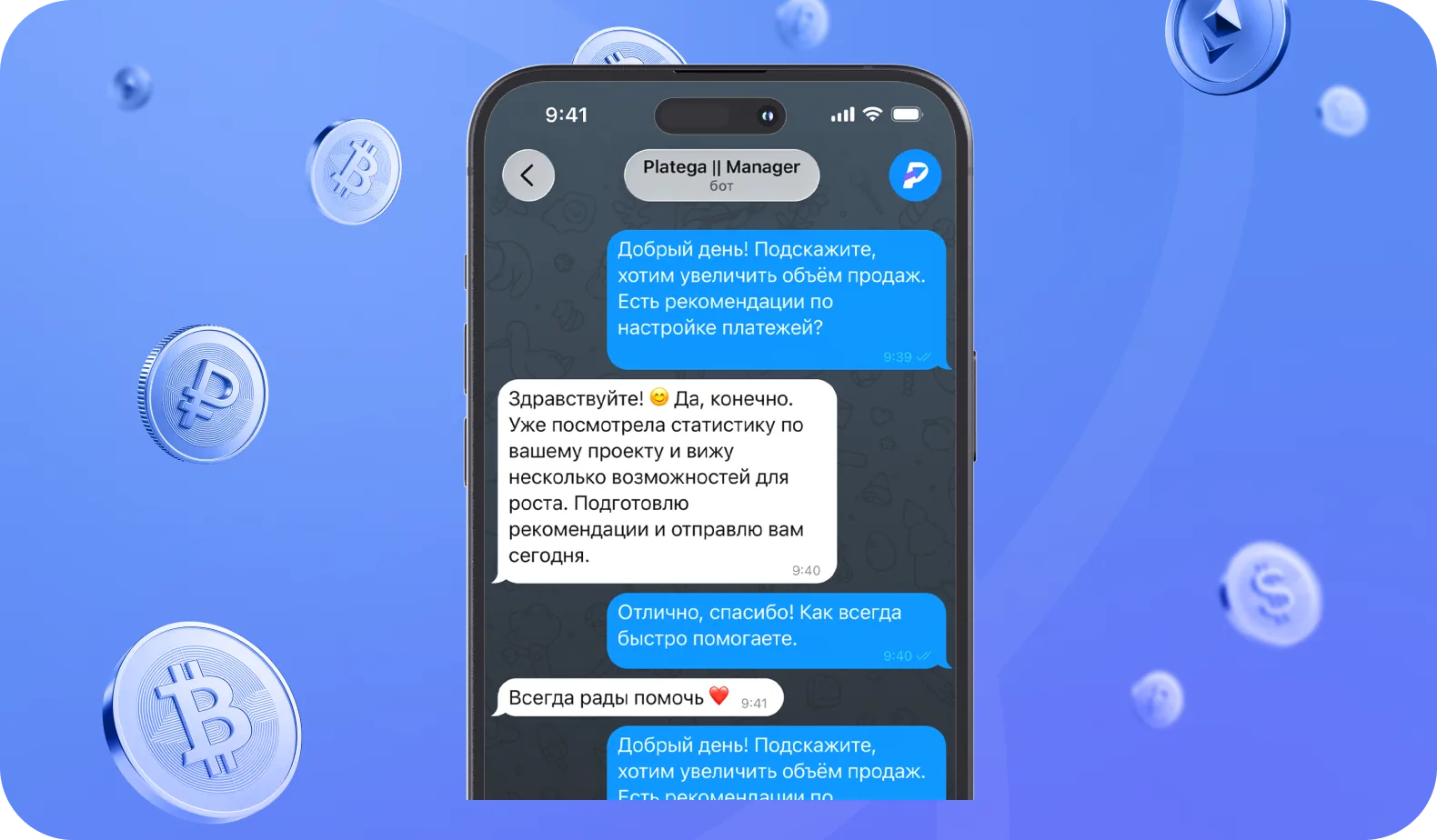
A manager will reply within 15 minutes
Connect payments for social media
Create a payment link in your platega dashboard: specify the amount and the purpose of the payment. Then send the ready URL to the client in a chat or place it in a post. The buyer follows the link, chooses a convenient payment method and confirms the transaction. A payment notification arrives in your dashboard automatically, where you can see the status of every payment and detailed transaction analytics.
Yes. You don't need your own website to accept payments via social media. A community page, a social profile or a chat with the client is enough. You create a payment link in your dashboard and send it to the buyer, who pays at that URL in a couple of clicks without signing up.
Visa, Mastercard and MIR bank cards, SBP and QR code payments, as well as crypto payments. The client chooses a convenient method on the payment page that opens from the link in social media. The page is optimized for mobile devices.
The fee depends on the type of business and its turnover. Average fees by method: cards from 5%, SBP from 4%, crypto from 1%. Setup is free and there is no monthly fee. The rate decreases as turnover grows, and all individual terms are agreed with your personal manager.
The platega payment service lets you accept payments via social media without building a separate website. Cards, SBP and crypto are supported. Payment links suit manual sales and can be created in your dashboard. REST API with webhook is available for automation. Setup takes 3 days on average.
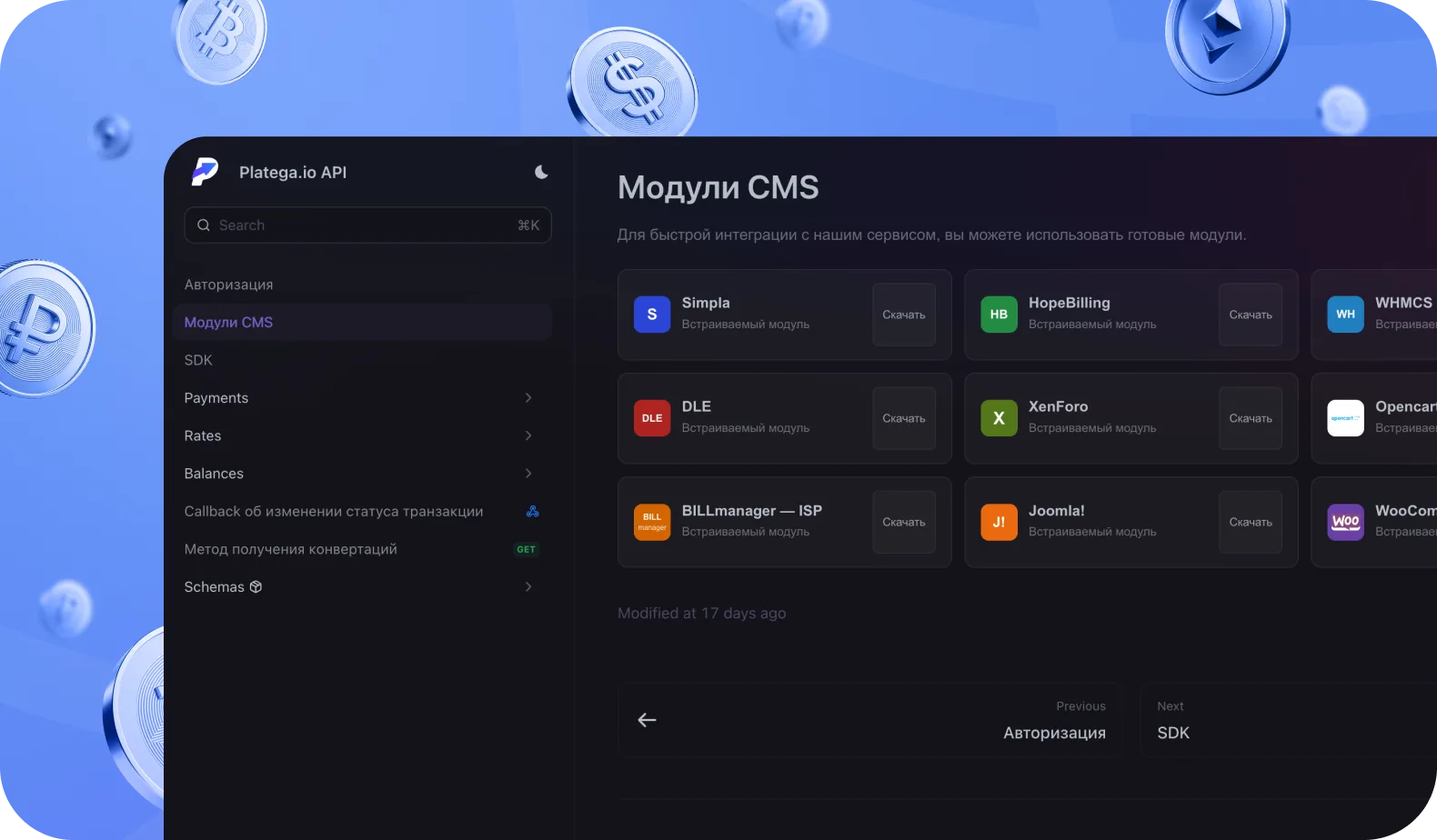
Yes. The platega payment system provides a REST API with detailed documentation. Via the API you can create payments automatically, set up webhook notifications to receive statuses in real time, initiate refunds and manage transaction history. It suits integration with CRMs, bots and your own systems.
After a successful payment, platega instantly sends a notification to the merchant's dashboard. If API integration is set up, the system also sends a webhook with the transaction data: order ID, amount and status. This lets you process orders automatically without manual checks.
Yes. A refund is initiated via the dashboard or API. Funds are returned to the client within 1–5 business days to the account the payment was made from.