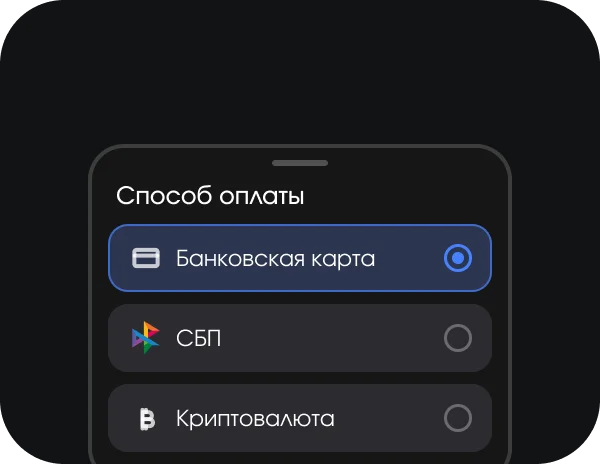

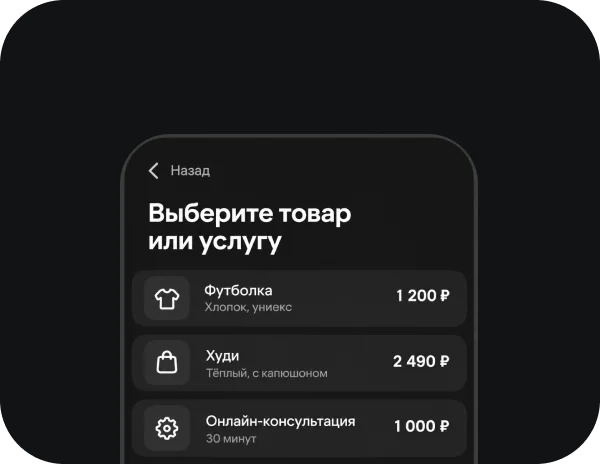
Client places an order
Set up payments inside your app

The payment flow is built into your app logic
Client places an order

Chooses a payment method

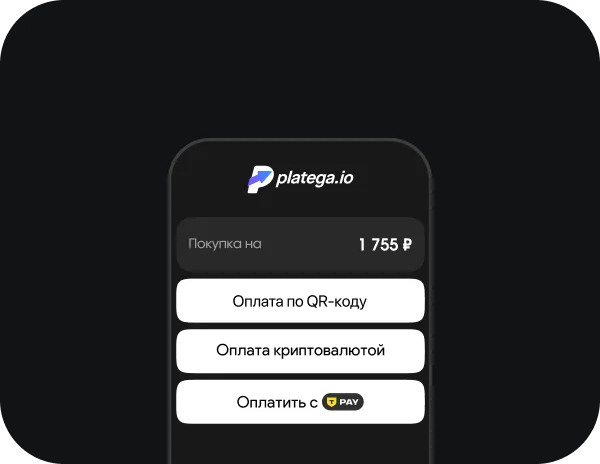
Payment is processed

Business receives confirmationBusiness gets paid
3 ways to connect payment acceptance

Full automation of the payment process

No code integration or developmentNo code integration or development

Ready-made tools for accepting payments
The platega service includes a full set of tools to grow your business:

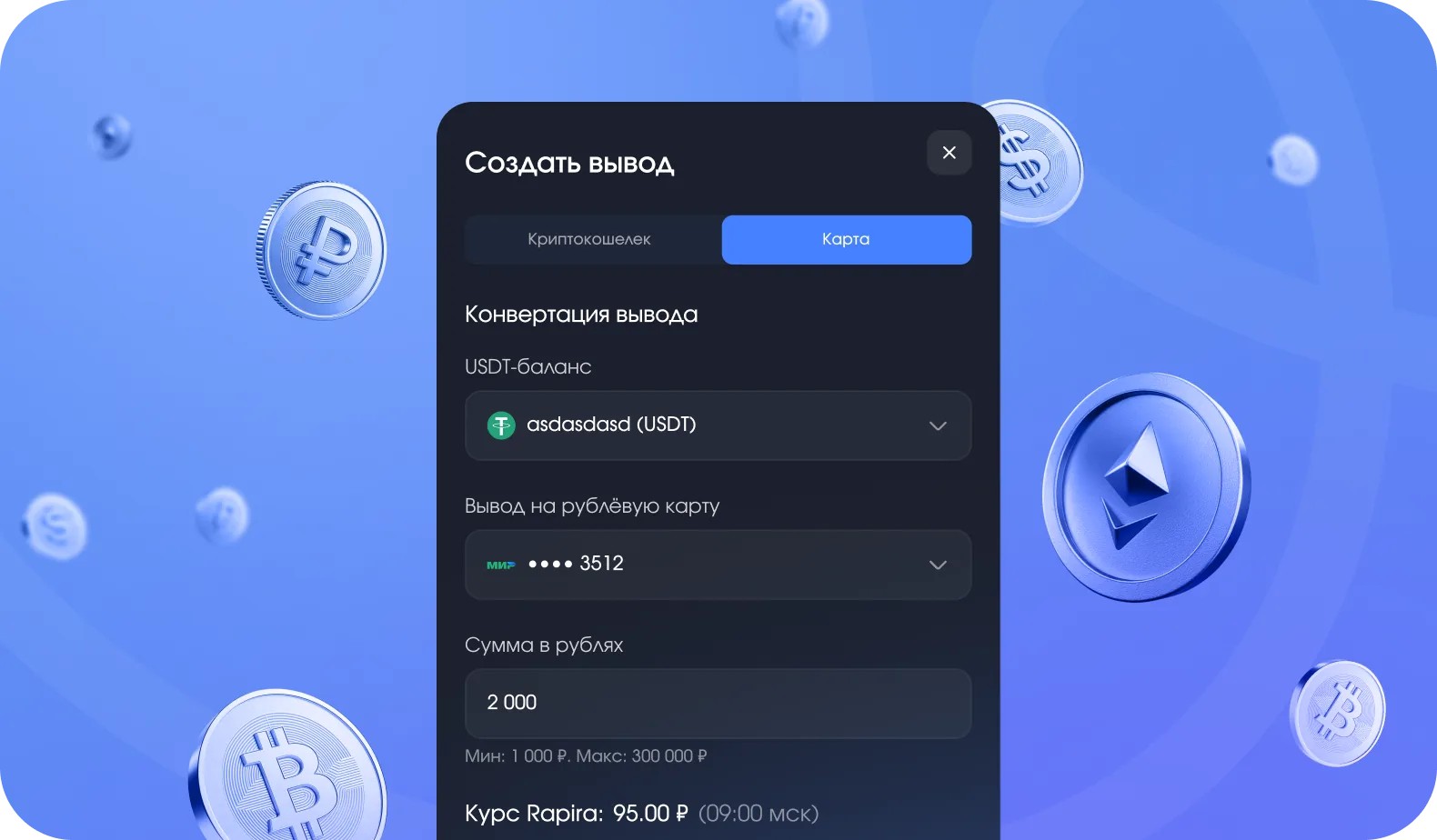


 Card
fee
 SBP fee
 Crypto
fee
 SetupSettlement
 Integration
 The rate decreases as turnover grows. Check the terms with your manager.
A manager will reply within 15 minutes
Connect payments
The user chooses a product in the app and proceeds to payment via the platega payment form. Then they choose a payment method and complete the purchase. The payment is processed in real time. The app receives the transaction status and confirms the order automatically. The status is also passed to the merchant's dashboard automatically.
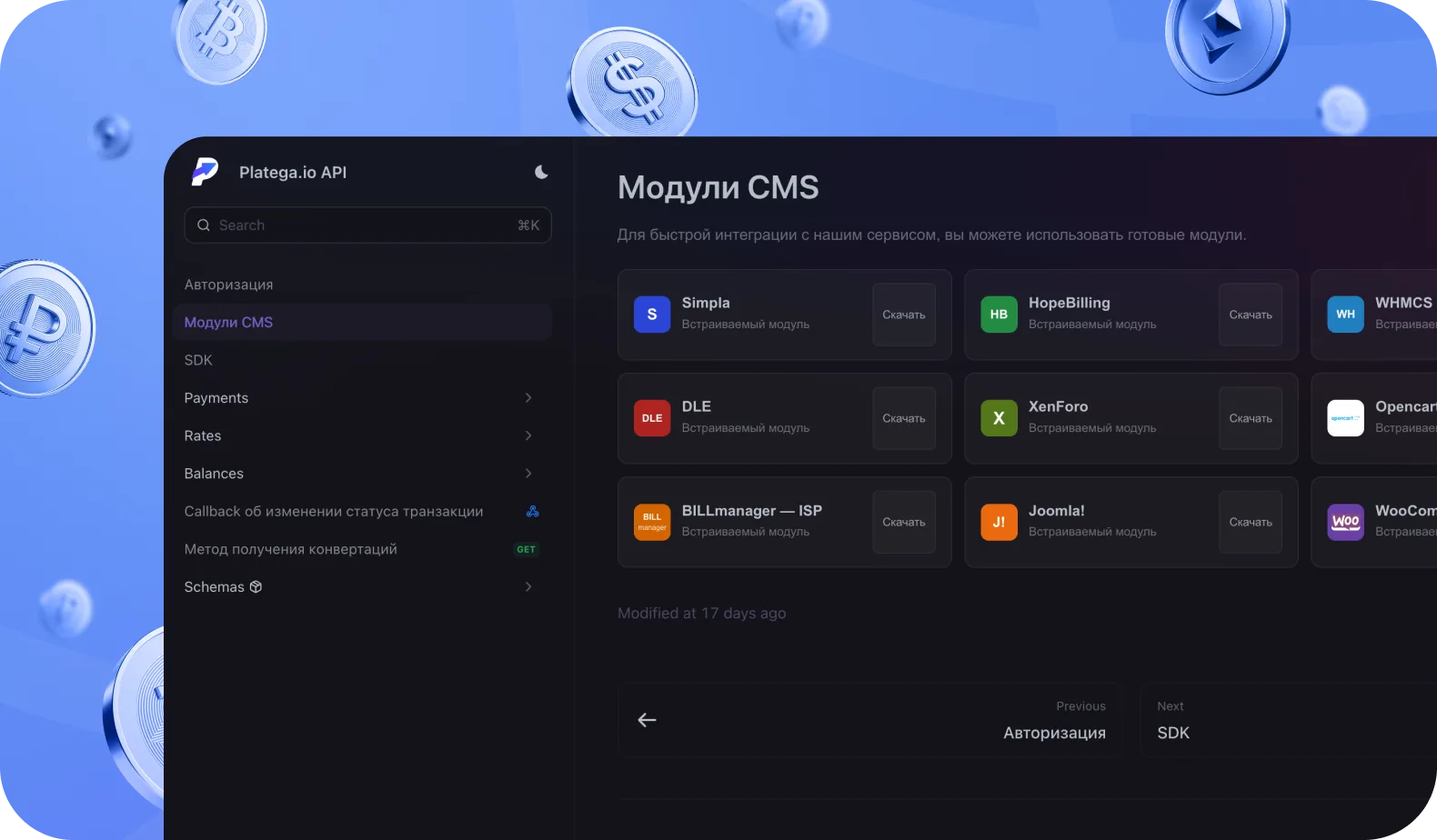
Yes. platega provides a documented REST API. Via the API you can create payments automatically, set up webhook notifications about transaction statuses, initiate refunds and manage transaction history. It suits integration with internal systems and full automation of the payment process.
Card fees start from 5% on average, SBP from 4% and crypto from 1%. Setup is free and there is no monthly fee. The rate decreases as turnover grows via your personal manager. High-turnover projects may get individual terms, agreed with the manager during onboarding.
Key factors are supported platforms, available integration options, the payment methods you need, fees and ongoing support. The platega payment system covers all of these, and the specific rate is agreed with your manager during onboarding.
Bank cards, SBP and crypto. You can also enable recurring payments and payment links. The user chooses a convenient method in the payment form and completes the purchase.
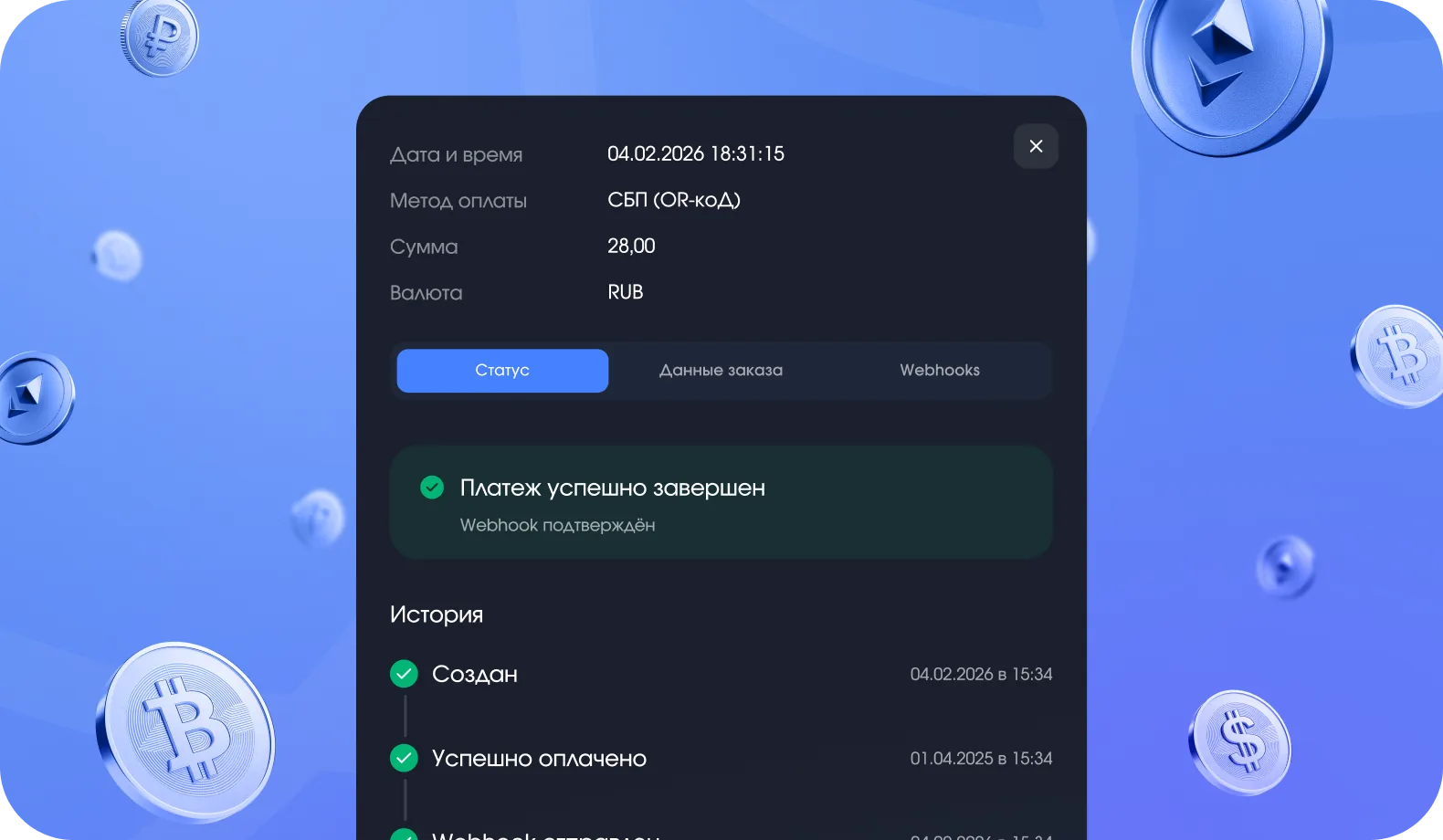
After a successful payment, platega instantly passes on the transaction status. With API integration, the system sends a POST request to your webhook URL with the data: order ID, amount and status. This lets the app process the result automatically without manual checks. Statuses of all transactions and analytics are also available in the merchant's dashboard.