
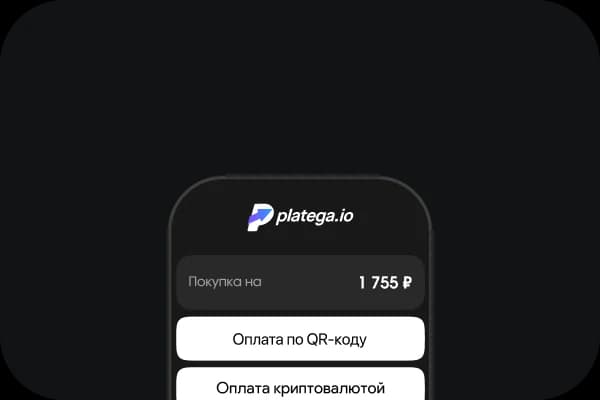
The buyer selects “Pay by QR code”The buyer selects “Pay by QR code”
Accept QR code payments on your website, in a bot or on social mediaAccept QR code payments on your website, in a bot or on social media
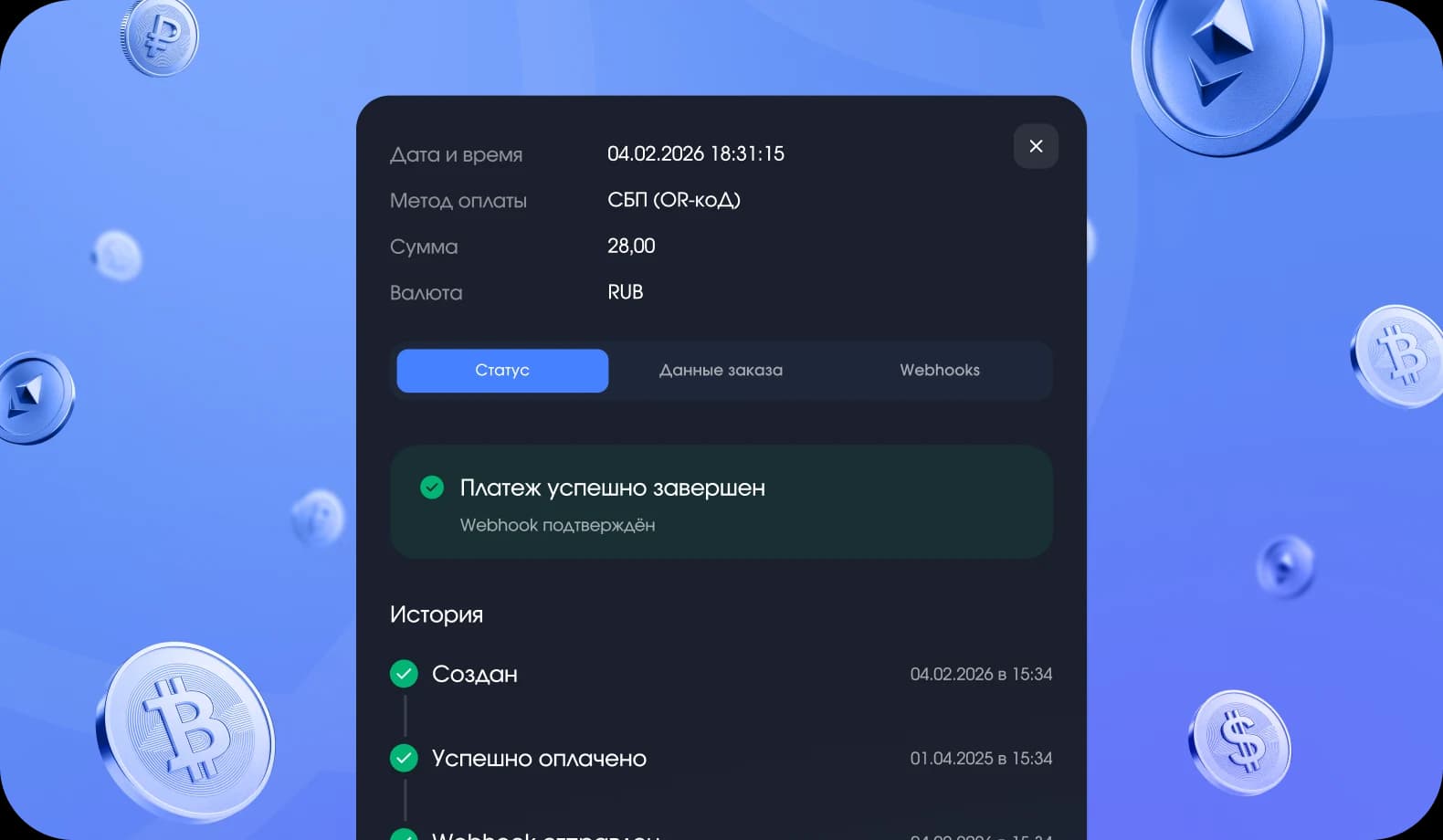
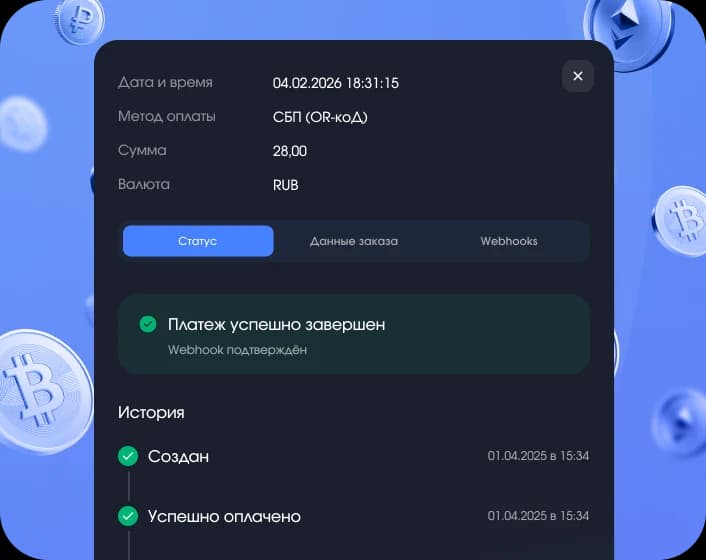
After a successful payment the code expires. The system instantly reads the order status and sends it to your dashboard.
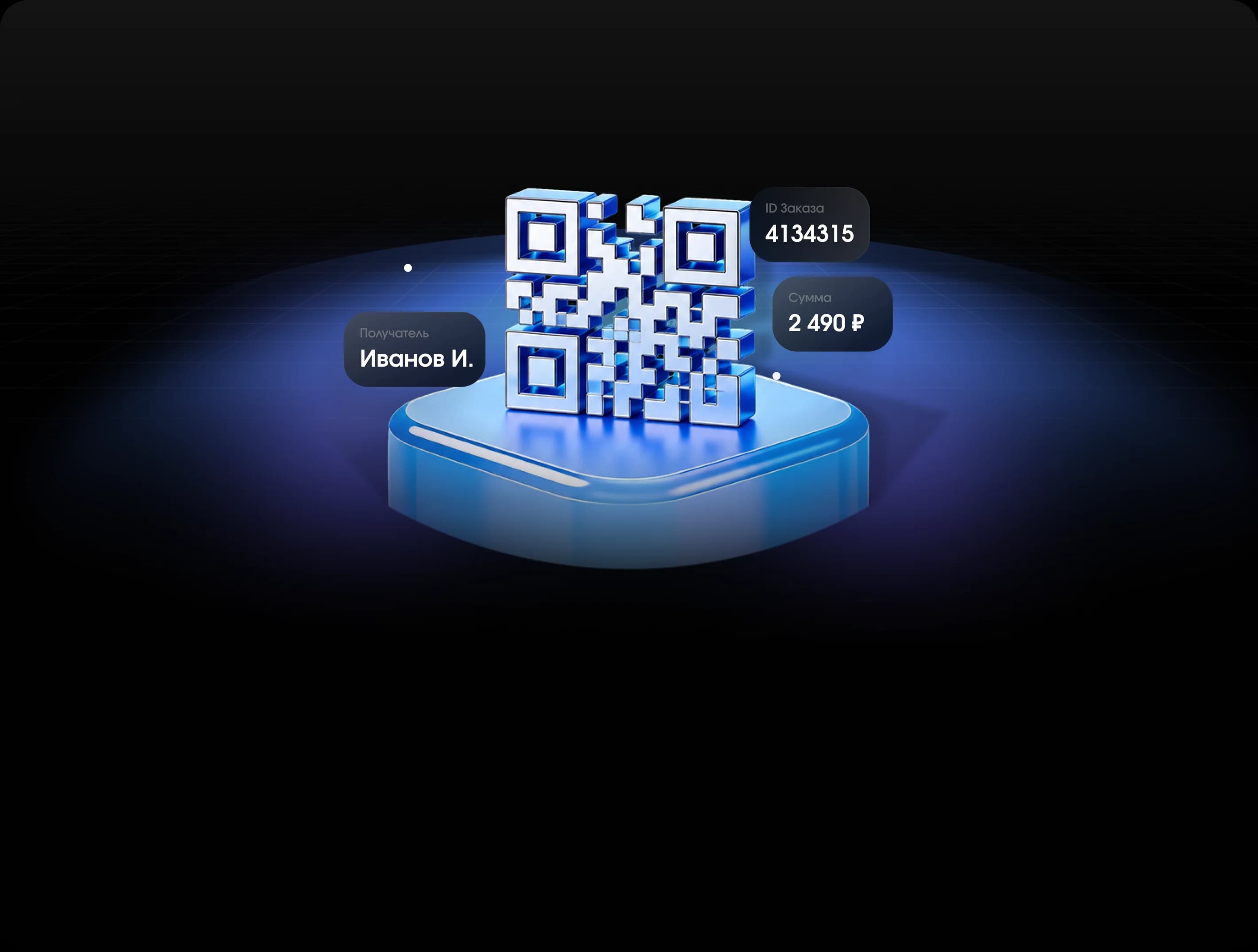
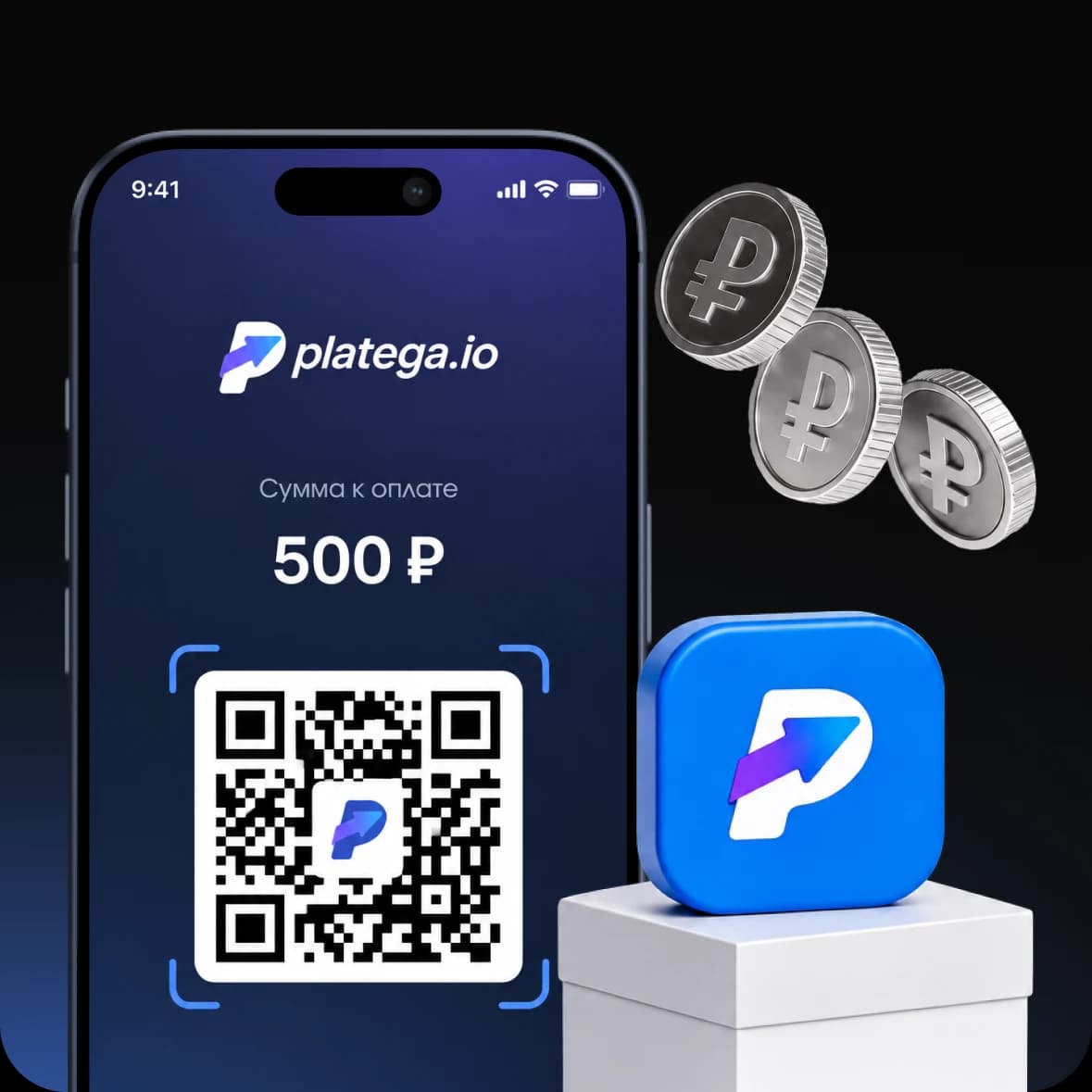
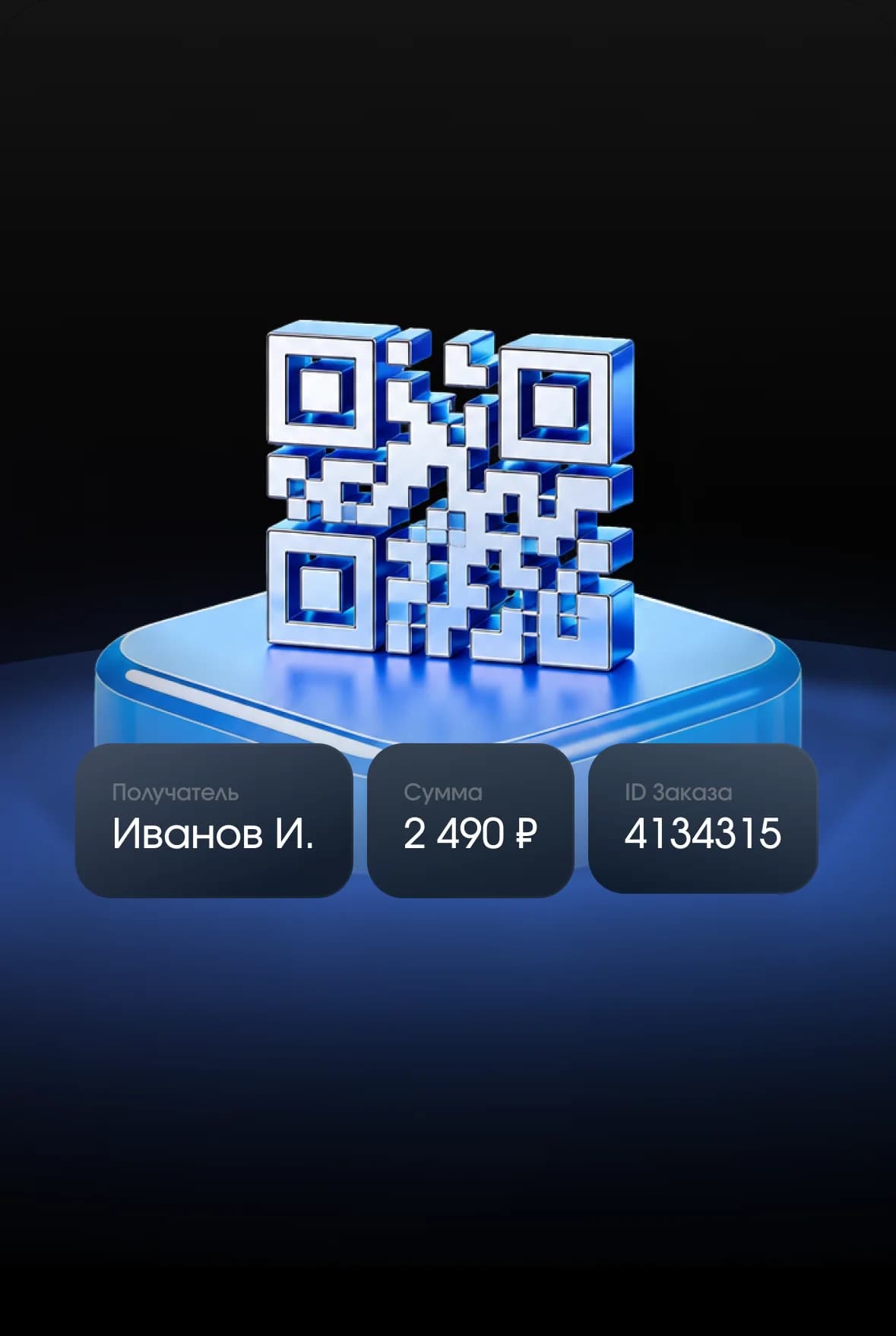
The QR code is generated when the order is placed. It encodes the payment data: amount, recipient details and more.
The buyer selects “Pay by QR code”The buyer selects “Pay by QR code”

The system generates a QR code with payment dataThe system generates a QR code with payment data

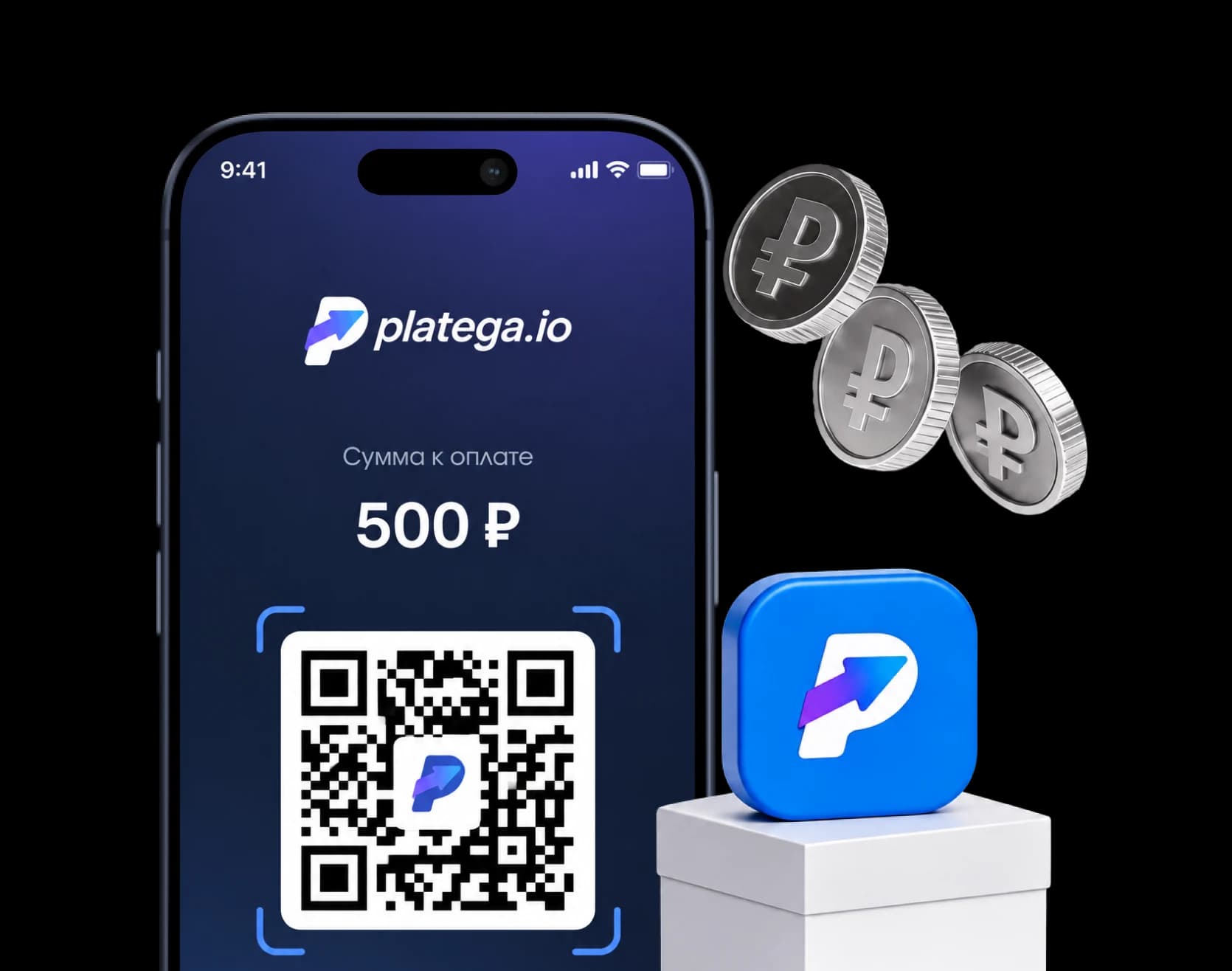
The customer scans the code and confirms the payment in the bank appThe customer scans the code and confirms the payment in their banking app

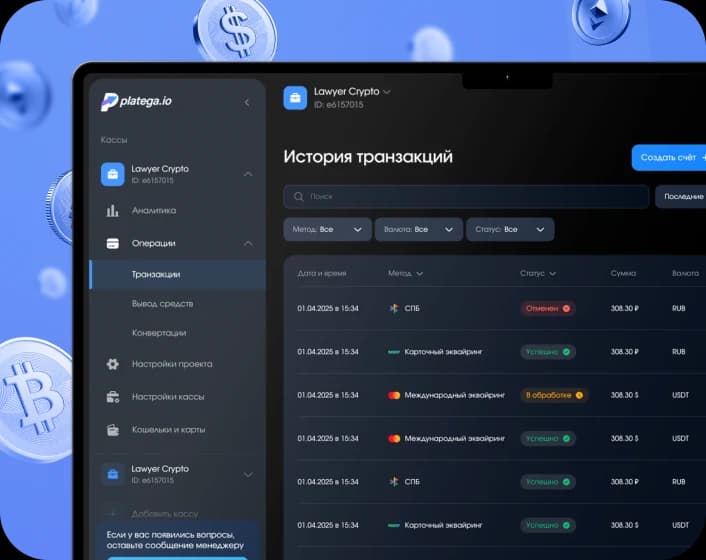
The business gets the payment status in the dashboardThe business gets the payment status in the dashboard
Embed a QR code on a website, in a mobile app, a Telegram bot or a messenger.A QR code fits into any payment flow — on a website, in a mobile app, a Telegram bot or a messenger.












 QR payments work as a standalone payment method. Suitable for any niche where a lower payment barrier matters.QR payments work as a standalone payment method. Suitable for any niche where lowering the payment barrier matters.

 Setup
Setup Fees
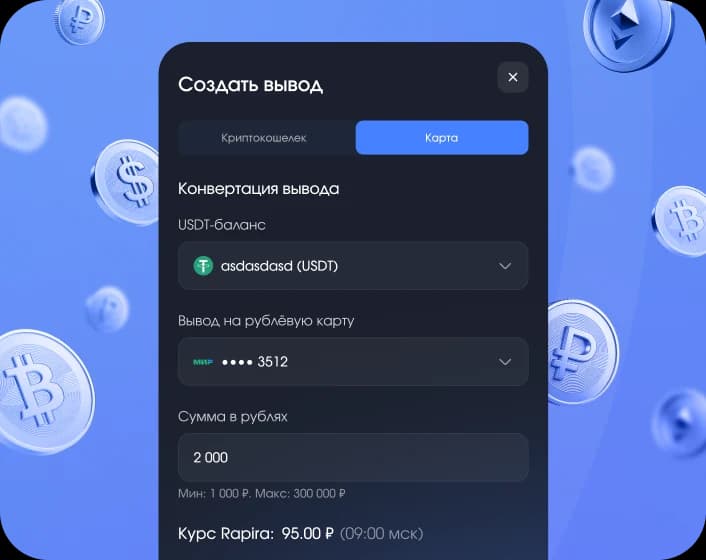
Fees Payouts
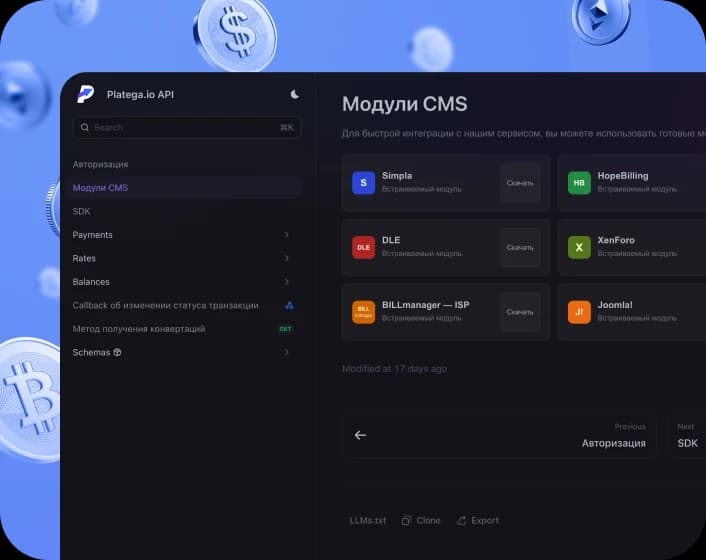
 Integration
 Security
Ask a manager for pricing — the rate depends on your niche and transaction volume.
Integration with platega includes a full set of tools to grow your business


Submit application
A manager will contact you within 15-20 minutes.
Agree on terms
Choose payment methods and fees.

Integrate payments
Our specialists will help at every stage of the integration.
Connect QR acquiring with support at every step.
Connect QR code payments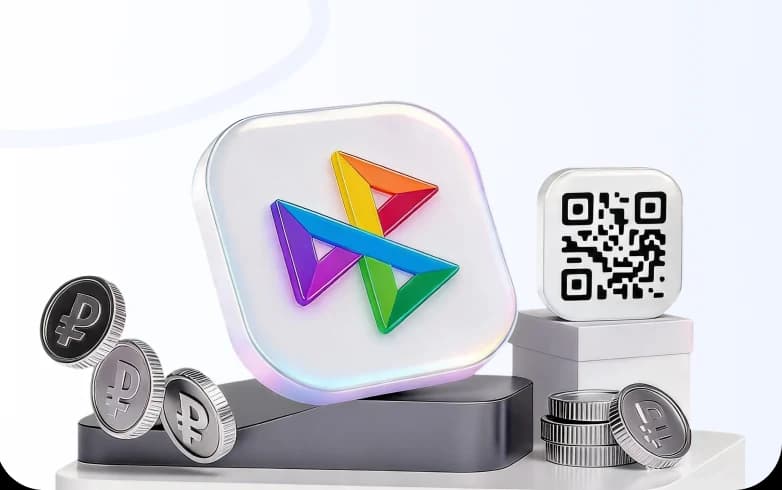
QR acquiring is a technology for accepting online payments by scanning a QR code. The buyer scans it and is taken to their banking app, where the payment amount and confirmation are shown.
Connect QR acquiring via platega and integrate it through the API, a plugin or the payment form. When an order is placed, the system automatically generates a QR code. The buyer scans it and confirms the payment in their banking app. The status reaches your dashboard instantly.
Yes. The QR code is embedded in the payment form on your website next to other payment methods. Integration is done via the API or a ready-made plugin.
Fees start from 1% and depend on your project’s volume. Setup is free and there is no monthly fee. A manager will confirm your exact rate: the higher the volume, the better the terms.
Yes. platega provides a REST API with detailed documentation. Through the API you can generate dynamic QR codes automatically, receive payment statuses via webhooks and initiate refunds. It suits custom solutions, mobile apps and high-load services.
A refund for a QR code payment is available in the dashboard or via the API. The money goes back to the buyer the same way the payment was made — to the bank account it was sent from. Timing depends on the buyer’s bank; usually funds arrive within 1–5 business days. The status is shown in the transaction history in your dashboard, and API users receive a webhook notification when it changes.