


Create a link
Payment in a messenger, social network, by SMS or e-mail.
Create a link

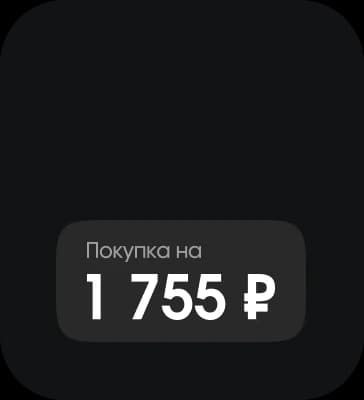
Set the amount


Send it to the client
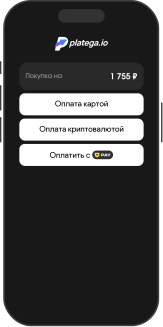
A payment link is a URL to a payment page that a business sends to the client directly in a chat or by email.A payment link is a URL to a payment page that a business sends to the client directly in a chat or by email.

Get the link
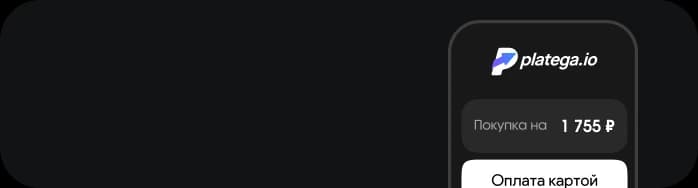
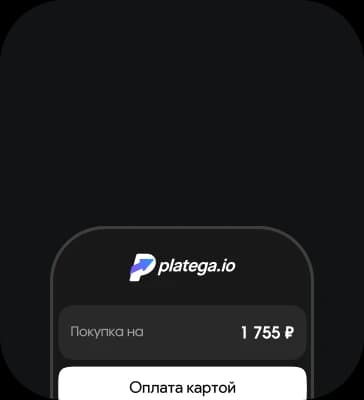
Open the payment page


Pay the order
The customer does not need to go to a website, a bot or an app. They simply follow the link and pay from a phone or a computer.The customer does not need to go to a website, a bot or an app. They simply follow the link and pay from a phone or a computer.
Suitable for everyone who accepts payments online













You do not need your own website or a developer integration to accept payments

Send the client a URL to pay for an order, a service or an invoice directly.

https://pay.platega.io/***************************

 In a messenger
 On social media
 By SMS
 By e-mail
The link opens in a browser on any device and leads to a secure payment page.The link opens in a browser on any device and leads to a secure payment page.
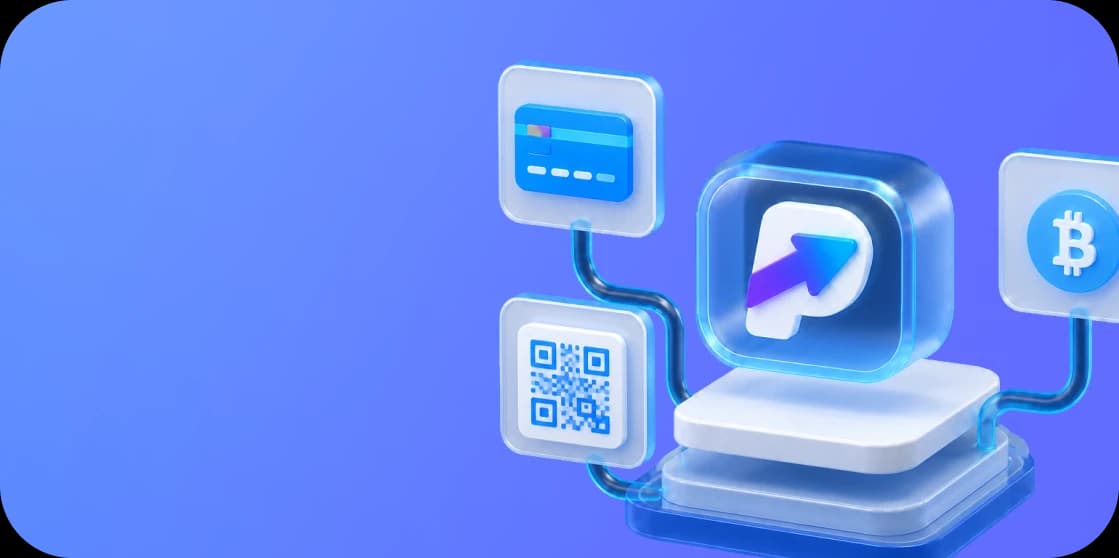

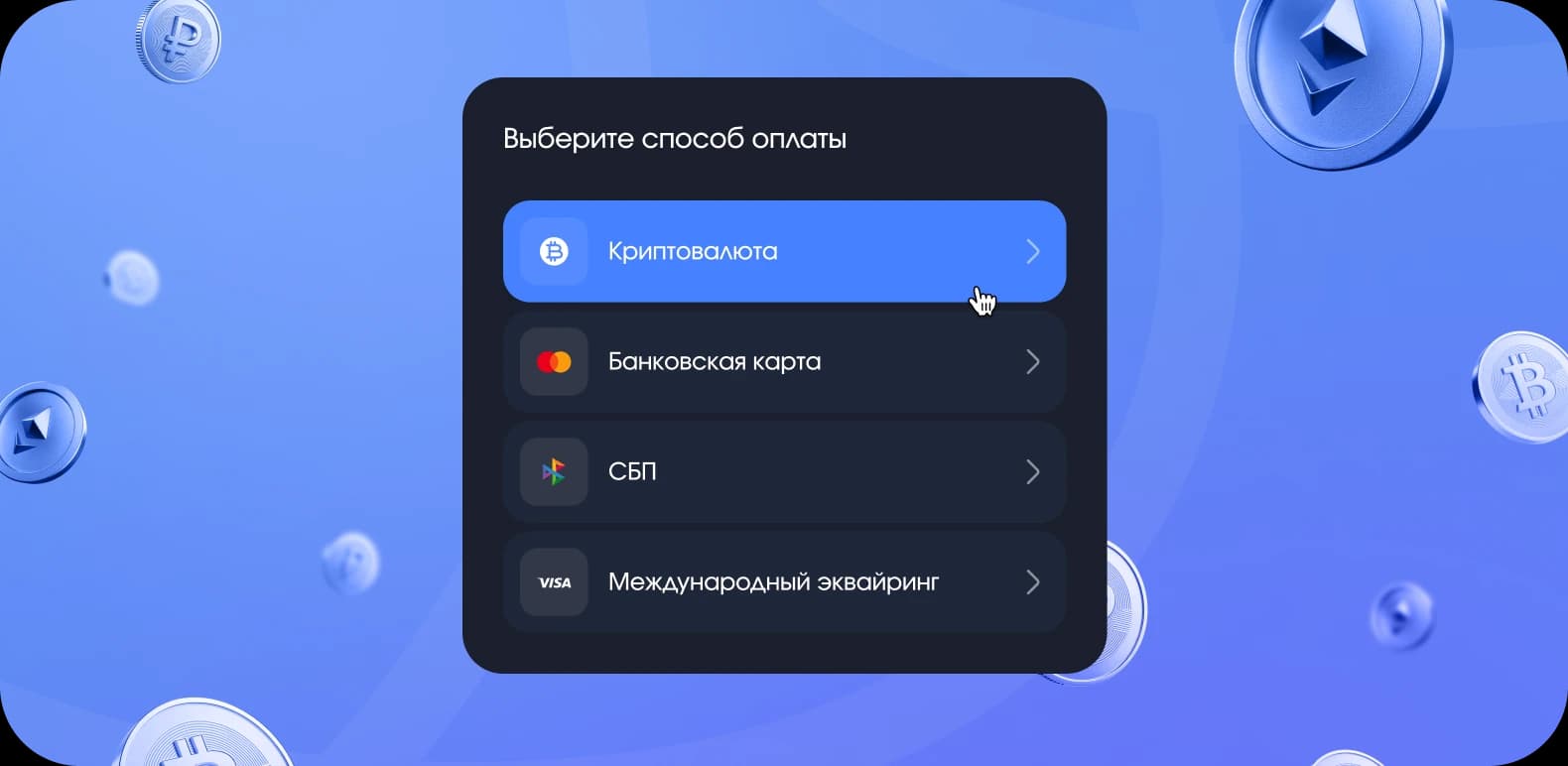
SBP, cards and cryptocurrencySBP, cards and cryptocurrency in one payment solution


Withdrawals without delays every dayWithdrawals without delays every day


Encryption, antifraud and risk checksEncryption, antifraud and daily risk checks


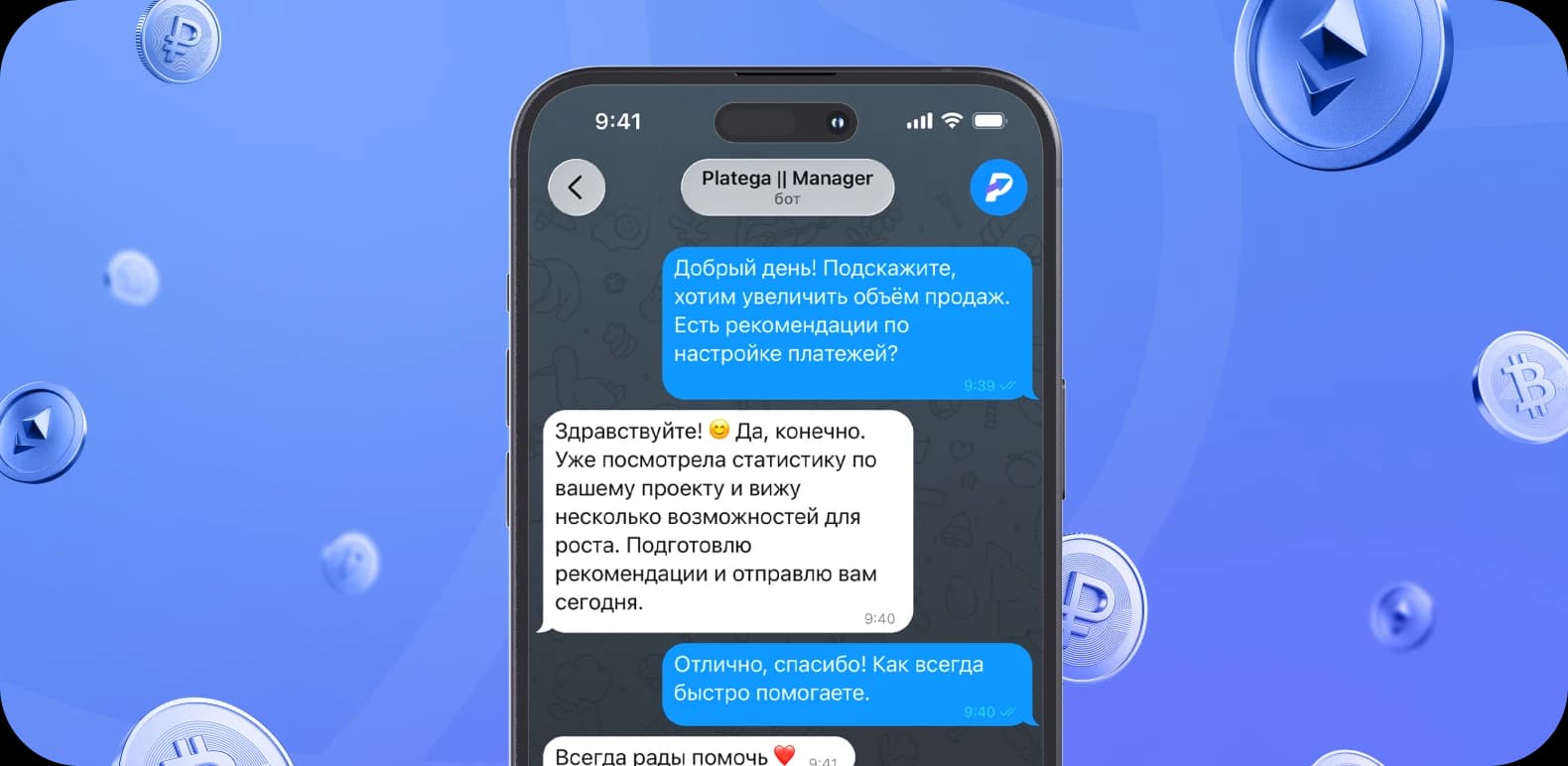
A personal payments and growth teamA personal payments and growth team
Full payment service functionality in one plan

Submit application
A manager will contact you within 15-30 minutes
Agree on terms
Agree on the tariff and fees
Integrate payments
Our specialists will help at every stage of connecting the payment system
Leave a request. A manager will contact you within 15 minutes
If the link doesn't work, contact the manager directly:
@platega_connect_manager
A payment link is a unique URL of a secure payment page. The link is created in your personal account and already contains the required amount. The client follows the link and pays for the purchase.
Connecting to the payment system is free. platega has no subscription fees or hidden charges. All terms are fixed at the start.
The fee includes: safe and stable processing, personal support for every project and help with profit growth, as well as 24/7 technical support and daily payouts.
The fee can be reviewed downwards as the client's turnover grows.
Yes. A payment link works without a website: you send it to the client directly in any channel. That is why freelancers, the self-employed and social media sellers use it so often.
Yes. The payment page is protected according to the PCI DSS standard. The client's card details never reach the merchant's servers. Every transaction goes through an antifraud check.
The fee depends on the payment method and the project's turnover. Your manager can confirm the exact rate. The fee goes down as the project and its profit grow. Connection is free and there is no subscription fee.
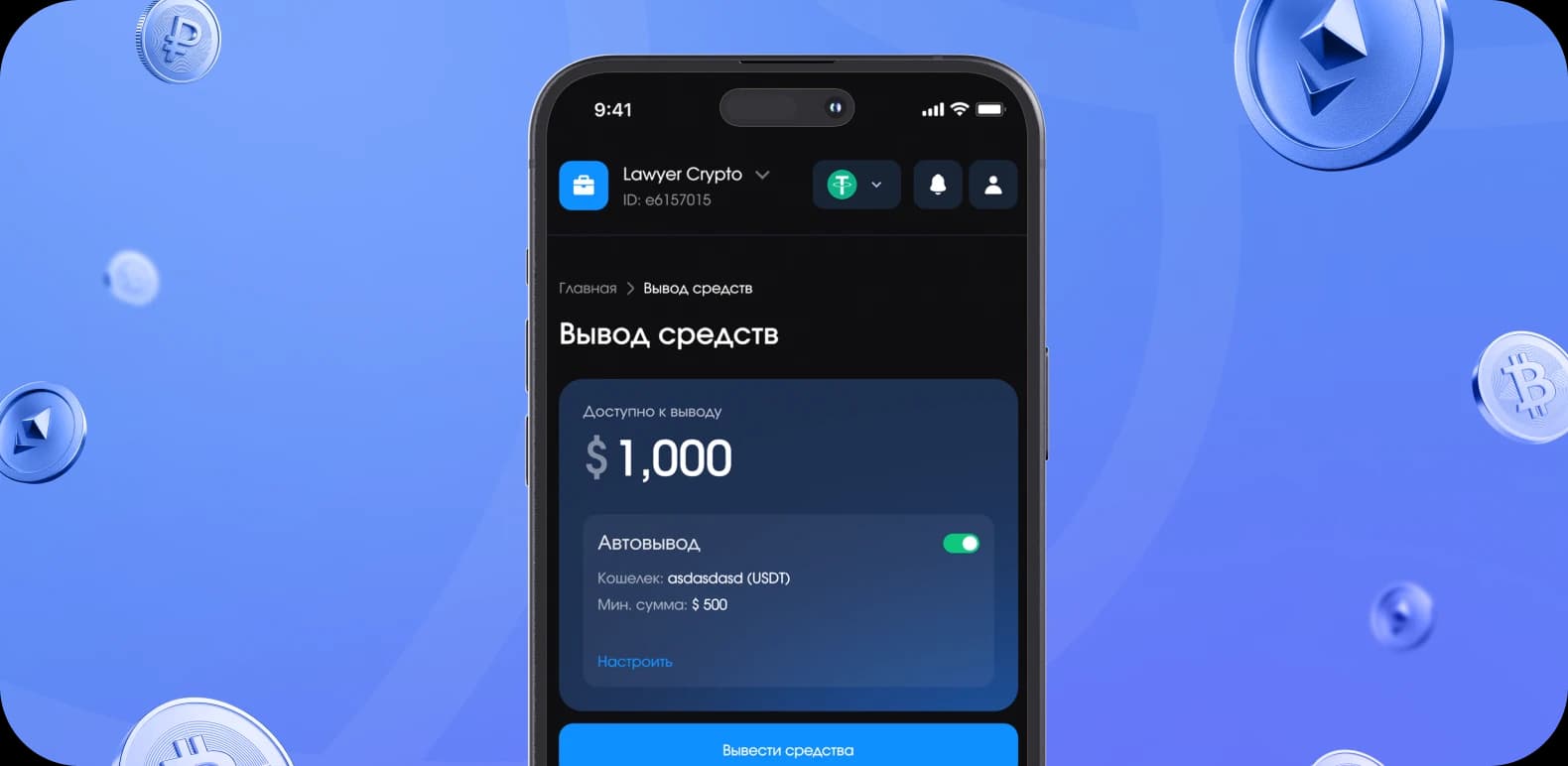
Payouts are made daily, including weekends. Money is withdrawn to a Russian card in rubles or to a crypto wallet in USDT. Automatic withdrawals are also available in your personal account.
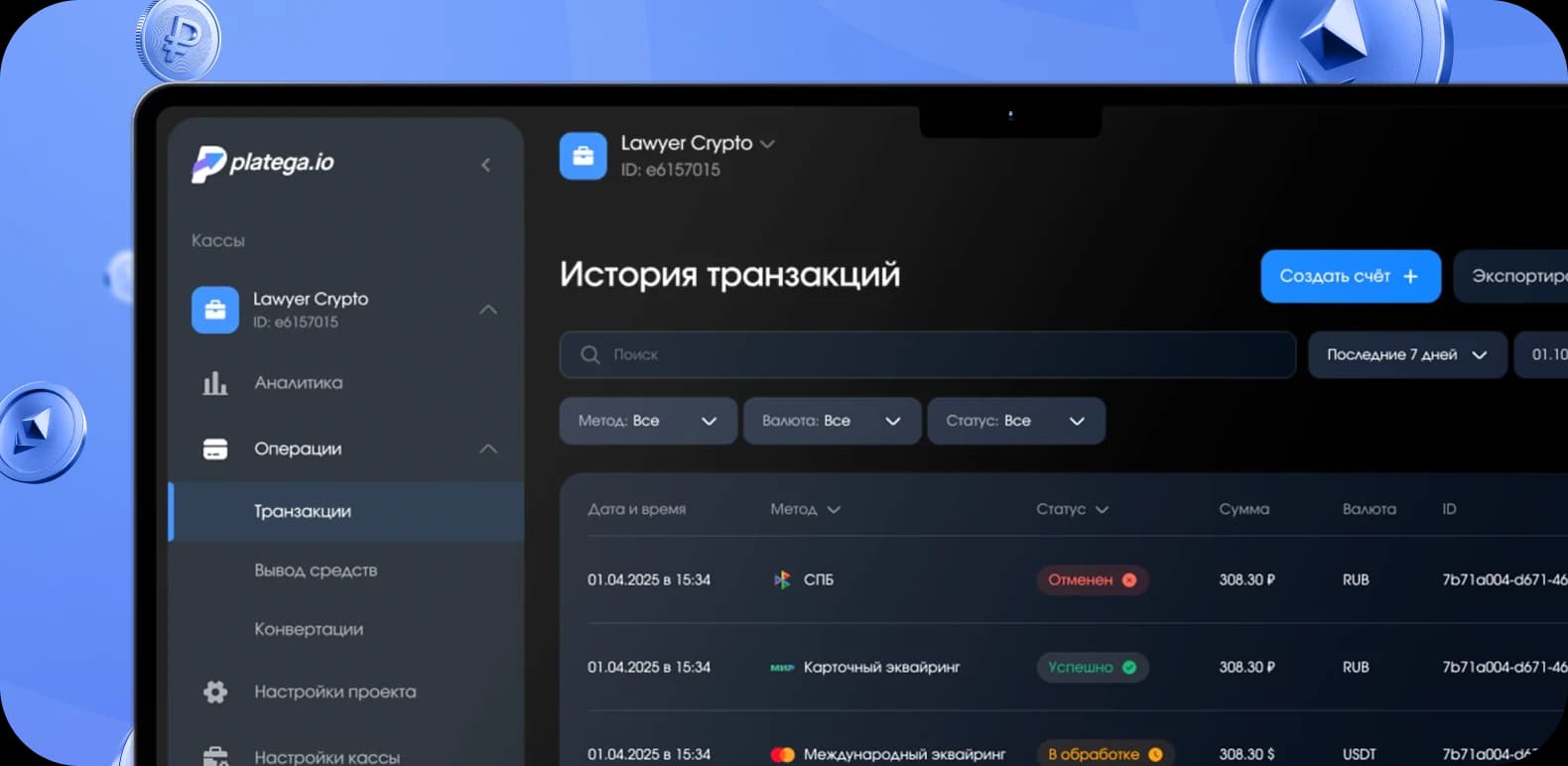
The payment status updates in your personal account right after the payment. The whole transaction history is stored in one place. In the analytics section the data can be filtered by date, amount and status.
No. The client simply follows the link in a browser and pays for the product or service. No registration is required: they just choose a suitable payment method and confirm the payment.